
Reservations
Reservations your members make themselves.
Members book desks, rooms and resources online from the member portal. Your team sees every reservation on a shared calendar and gets notified of any changes. No phone calls, no back-and-forth, no double-bookings.
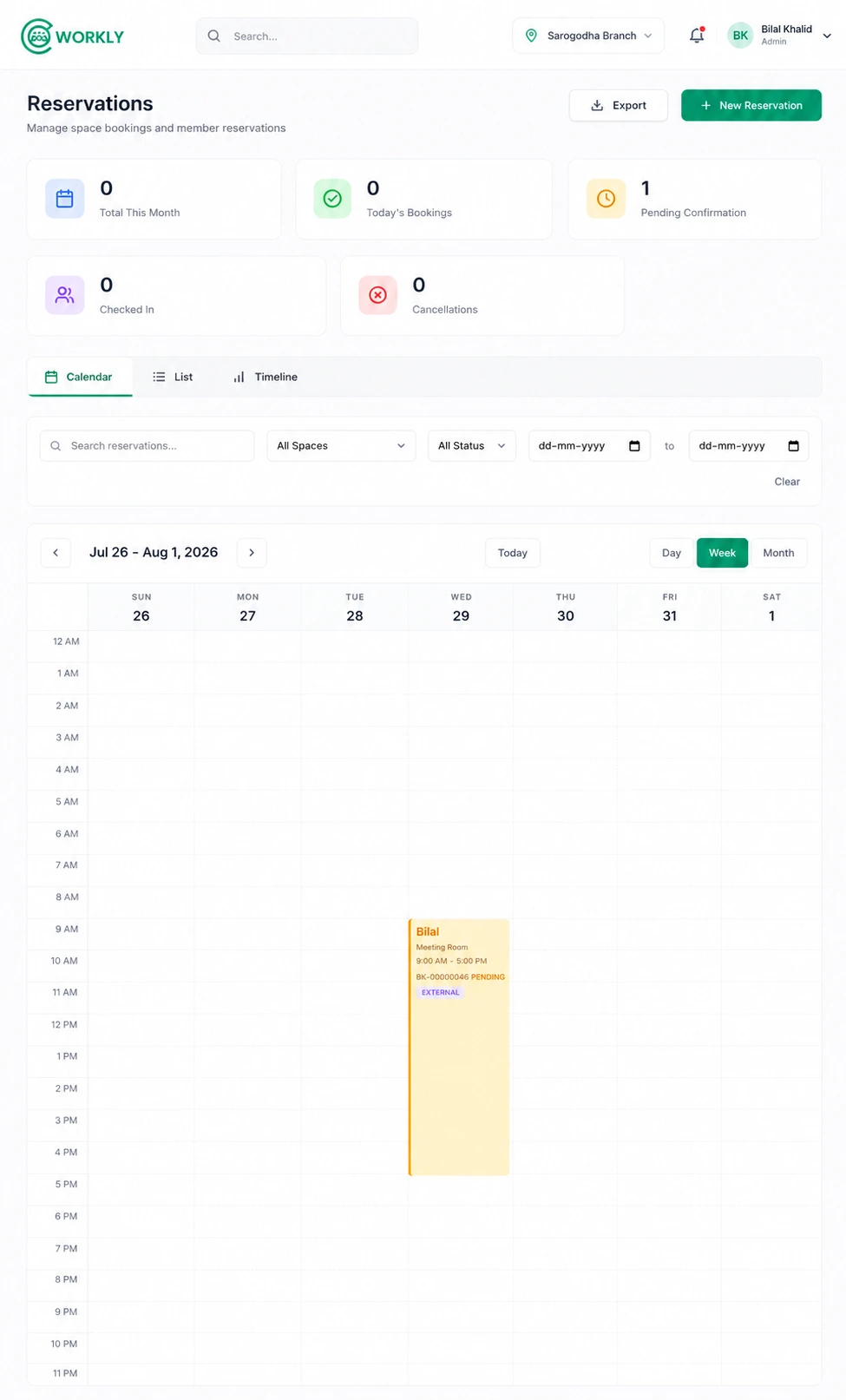
See reservations in action.
A walkthrough of a member making a reservation from the portal and how your team sees it on the CoWorkly calendar in real time.

Everything on one shared calendar.
- Members book from the member portal with real-time availability — what they see is what is actually free.
- Instant email confirmation to the member when a booking is made.
- Staff see every booking on the operations calendar — filterable by resource, date or member.
- Cancel and reschedule — members can manage their own bookings from the portal.
- Staff can create bookings on behalf of members or walk-in guests directly in CoWorkly.
- Booking history per member so you always know how active each account is.
Questions about reservations.
Can members cancel a reservation from the portal?
Yes. Members can view and cancel their upcoming reservations from the member portal. The availability opens back up immediately when they cancel.
Can staff block out time for maintenance?
Yes. Staff can create a blocked slot on any resource to prevent bookings during maintenance windows, private events or other unavailable periods.
Are charges applied automatically for bookings?
Yes. If a booking uses a paid resource — such as additional meeting room time beyond plan credits — the charge is added to the member's next invoice automatically.
Let members book themselves. Maximise your utilisation.
See reservations in a live CoWorkly demo.