
Private offices
Private office leases, managed inside CoWorkly.
Assign a private office to a company or individual, set a monthly rent and CoWorkly generates the invoice automatically each billing cycle. No spreadsheets. No chasing. No missed renewals.
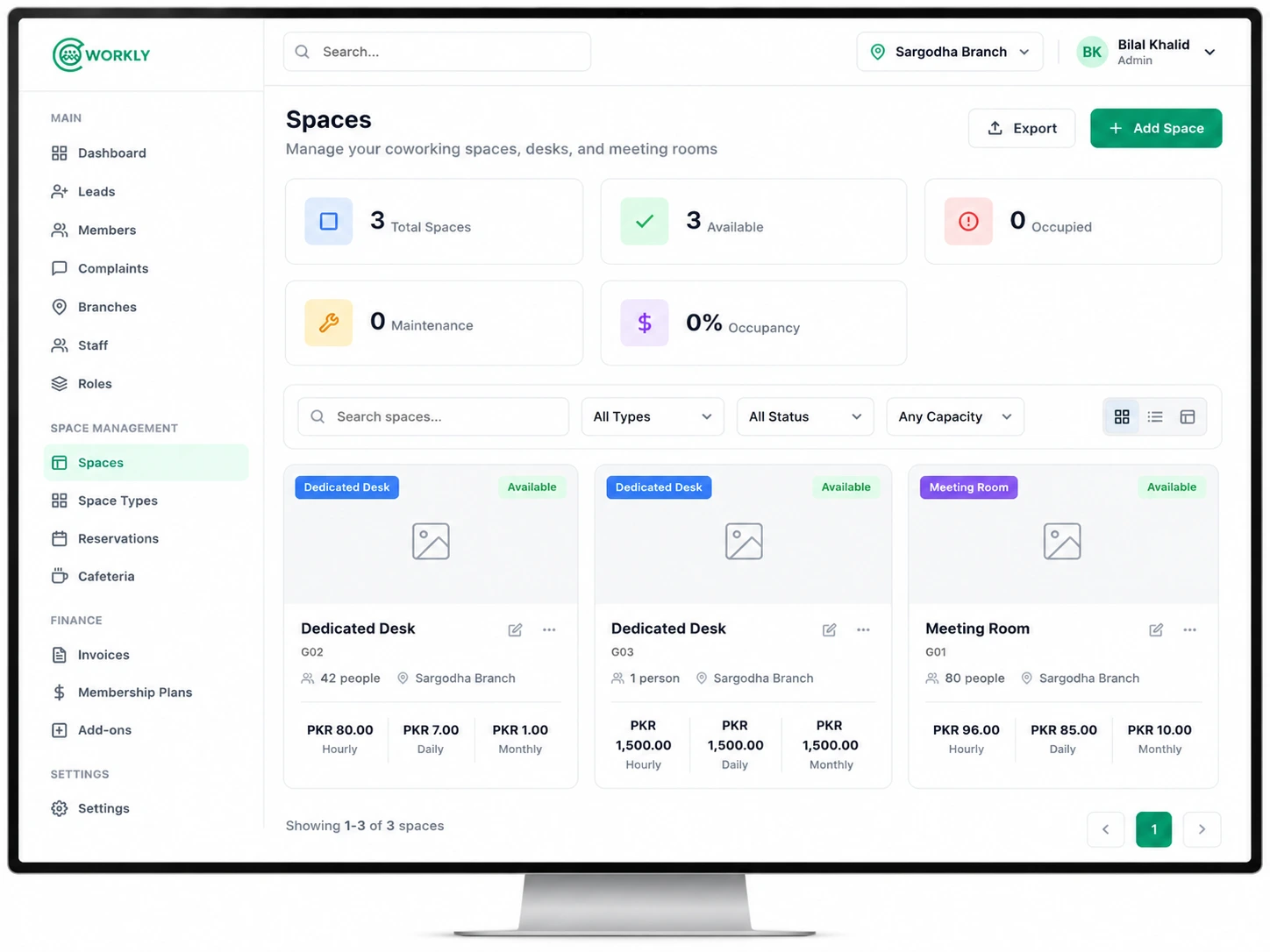
See private office management in action.
A walkthrough of assigning a private office, setting a lease and watching invoices generate automatically in CoWorkly.

Everything for managing office tenants.
- Create a record for each private office with name, floor, capacity and monthly rate.
- Assign an office to a member or company with a start date and optional end date.
- Monthly invoices generated automatically — no manual billing needed.
- Occupancy view shows which offices are taken and which are available.
- Renewal reminders so you never let a lease lapse without noticing.
- Company billing — the invoice goes to the company, not each individual member.
Questions about private offices.
Can I assign an office to a company with multiple members?
Yes. Assign the office to a company account. All members under that company share the office and the invoice goes to the company's billing contact.
Can I set a fixed lease term?
Yes. Set a start date and an end date for the lease. CoWorkly flags the lease as ending soon so you can contact the tenant about renewal before it expires.
Can I charge different monthly rates for different offices?
Yes. Each office has its own monthly rate. You can also override the rate for a specific tenant without changing the office's standard price.
Manage your office tenants without the spreadsheets.
See private office management in a live CoWorkly demo.