
Member Management
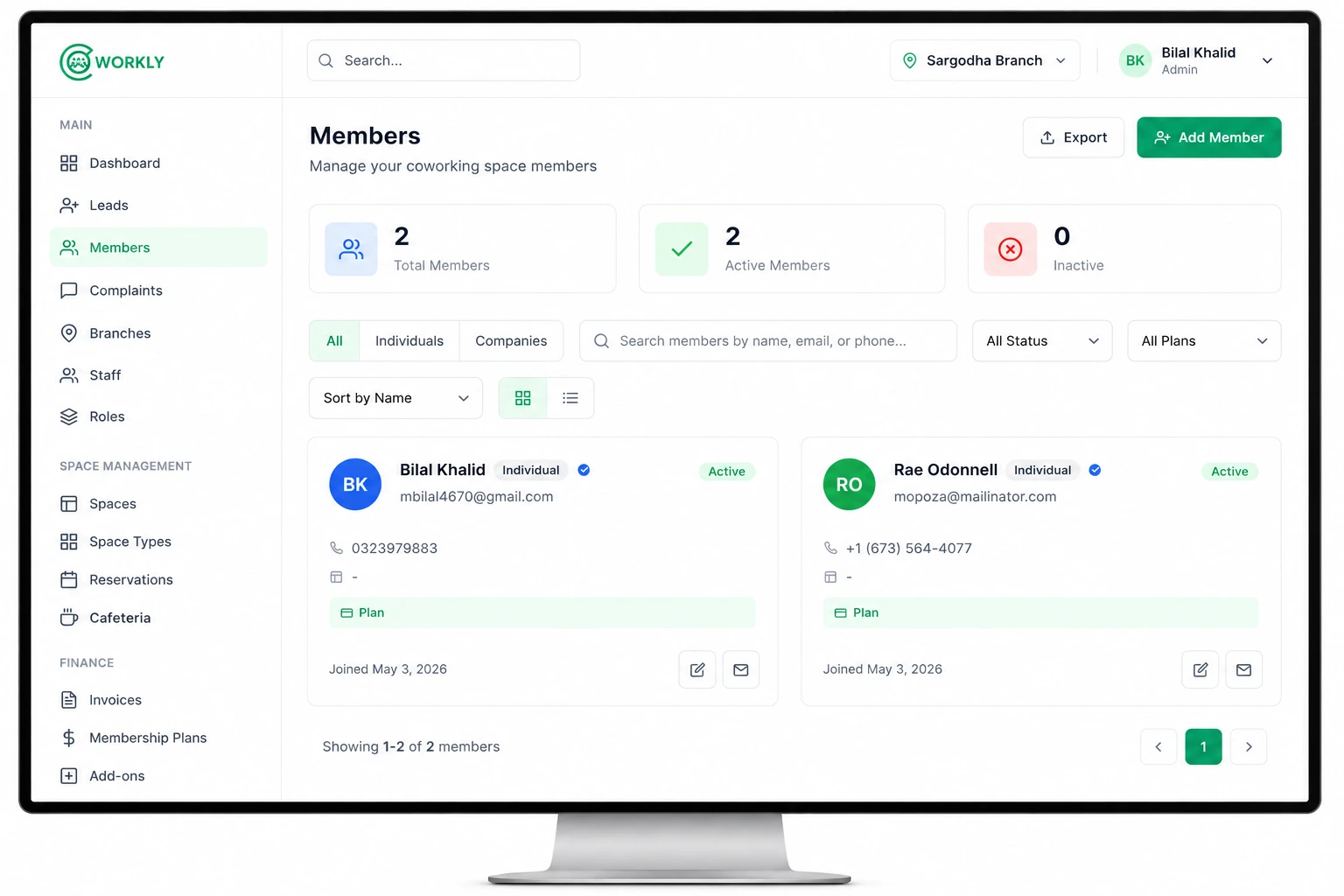
Onboard members, assign plans, and track status across every branch from one profile view.
CoWorkly helps you manage members, bookings, and billing from one dashboard, so you can focus on community, not spreadsheets.
Already trusted by coworking spaces using CoWorkly
Powerful tools to simplify operations, improve member experience and grow your business.
Explore All FeaturesOnboard members, assign plans, and track status across every branch from one profile view.
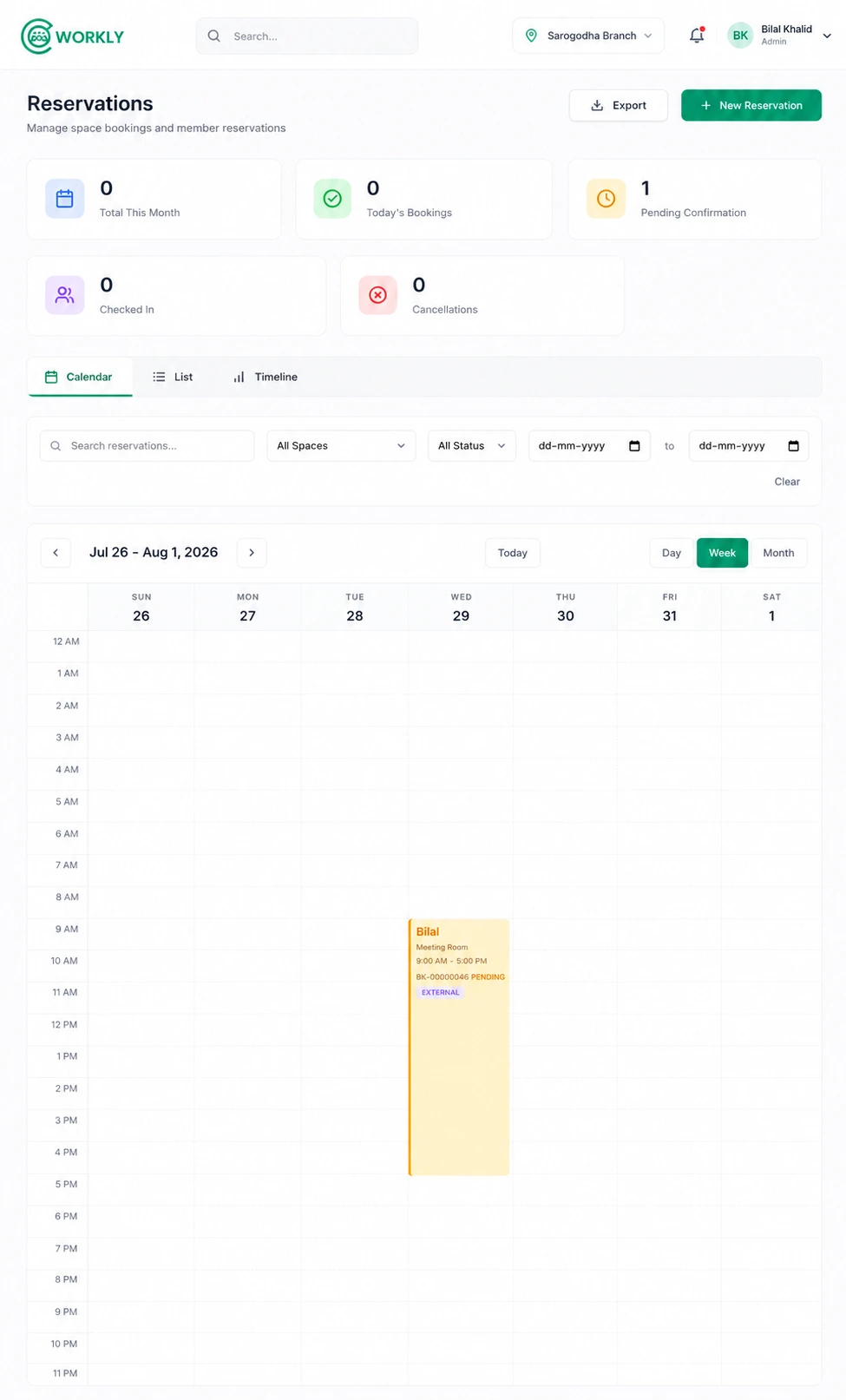
Keep desks, offices, and meeting rooms conflict-free with live availability calendars.
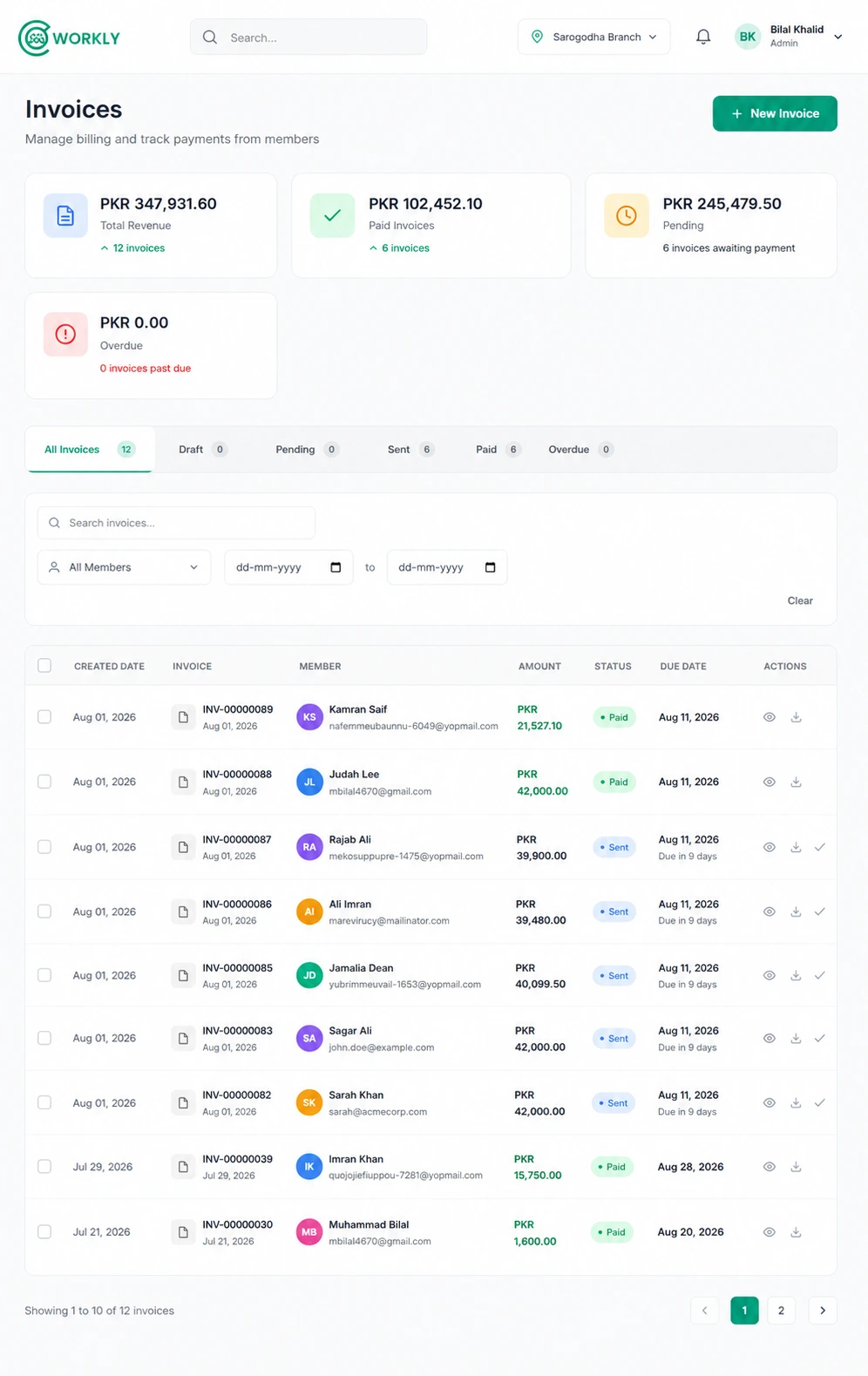
Create plans, generate recurring invoices, and send branded payment reminders automatically.
Track paid, pending, and overdue balances so collections stay predictable every month.
Organize desks, private offices, and shared areas with capacity, rates, and availability.
See occupancy and revenue trends as they happen so you can act before numbers slip.
Give members a login to book rooms, view invoices, and order from your cafeteria.
Keep your team and members informed with invoice emails, reminders, and announcements.
Generate agreements, track renewal and expiry dates, and get alerted before a member's term lapses.
Capture tour requests and inquiries, follow up automatically, and convert prospects into members.
Let members order food and beverages from a kiosk or app and bill it straight to their account.
Run every location from one account with centralized reporting and branch-level permissions.
Get a real-time overview of your workspace operations and key metrics.
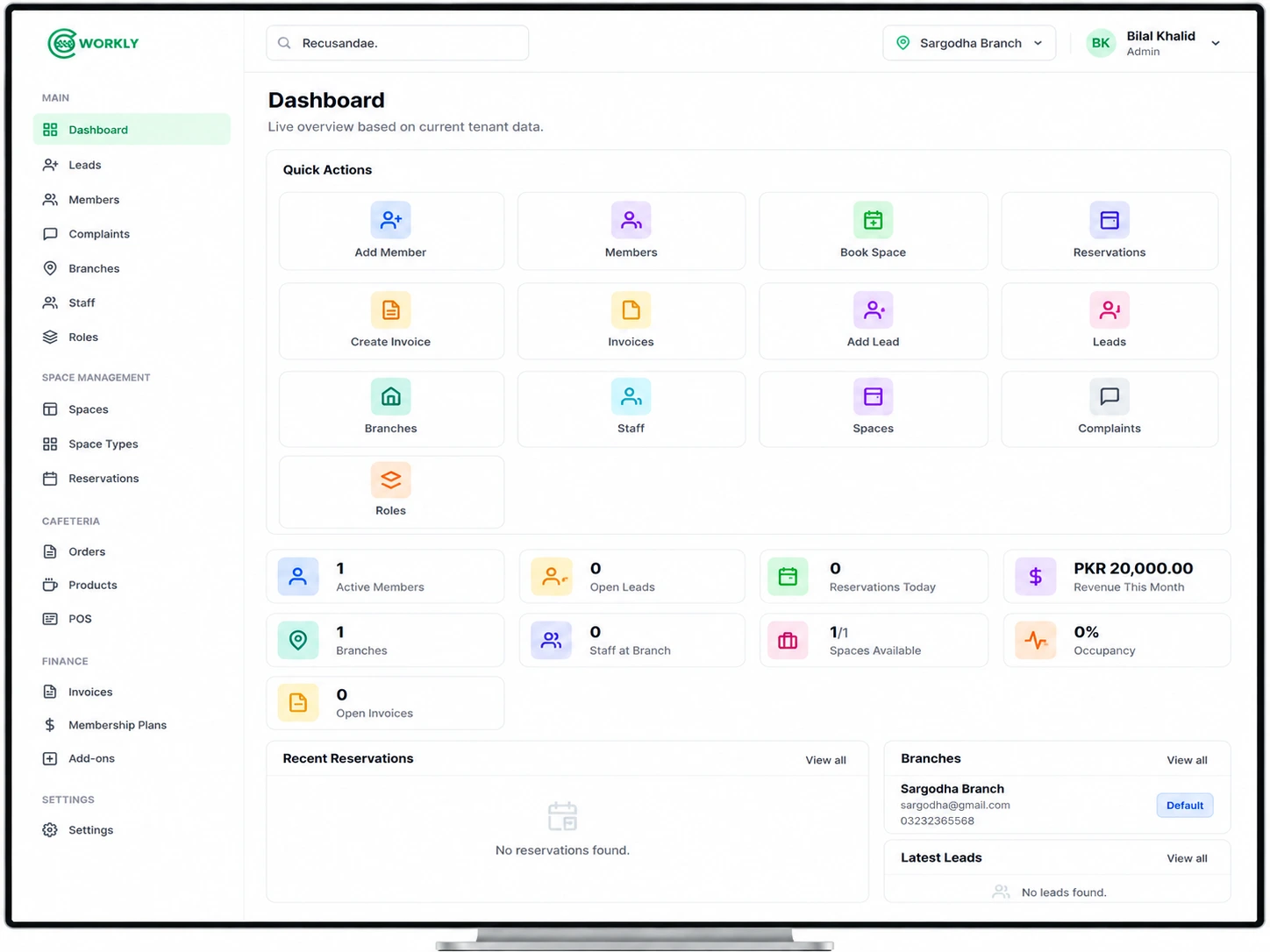
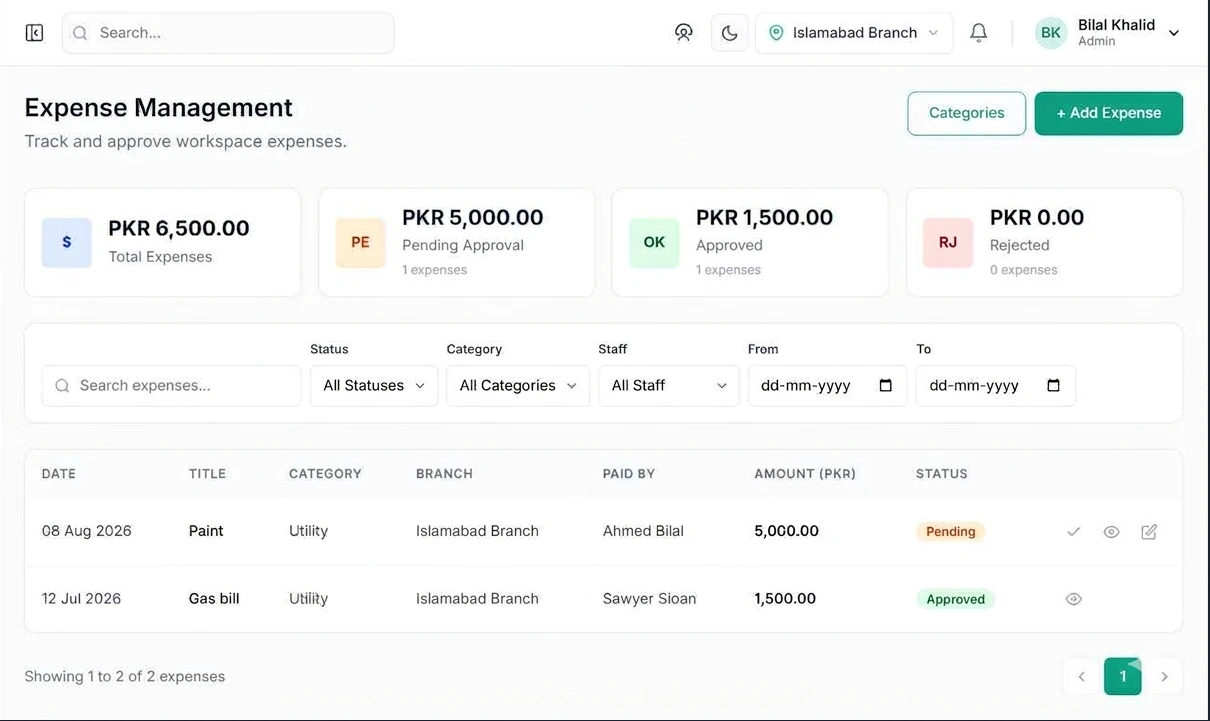
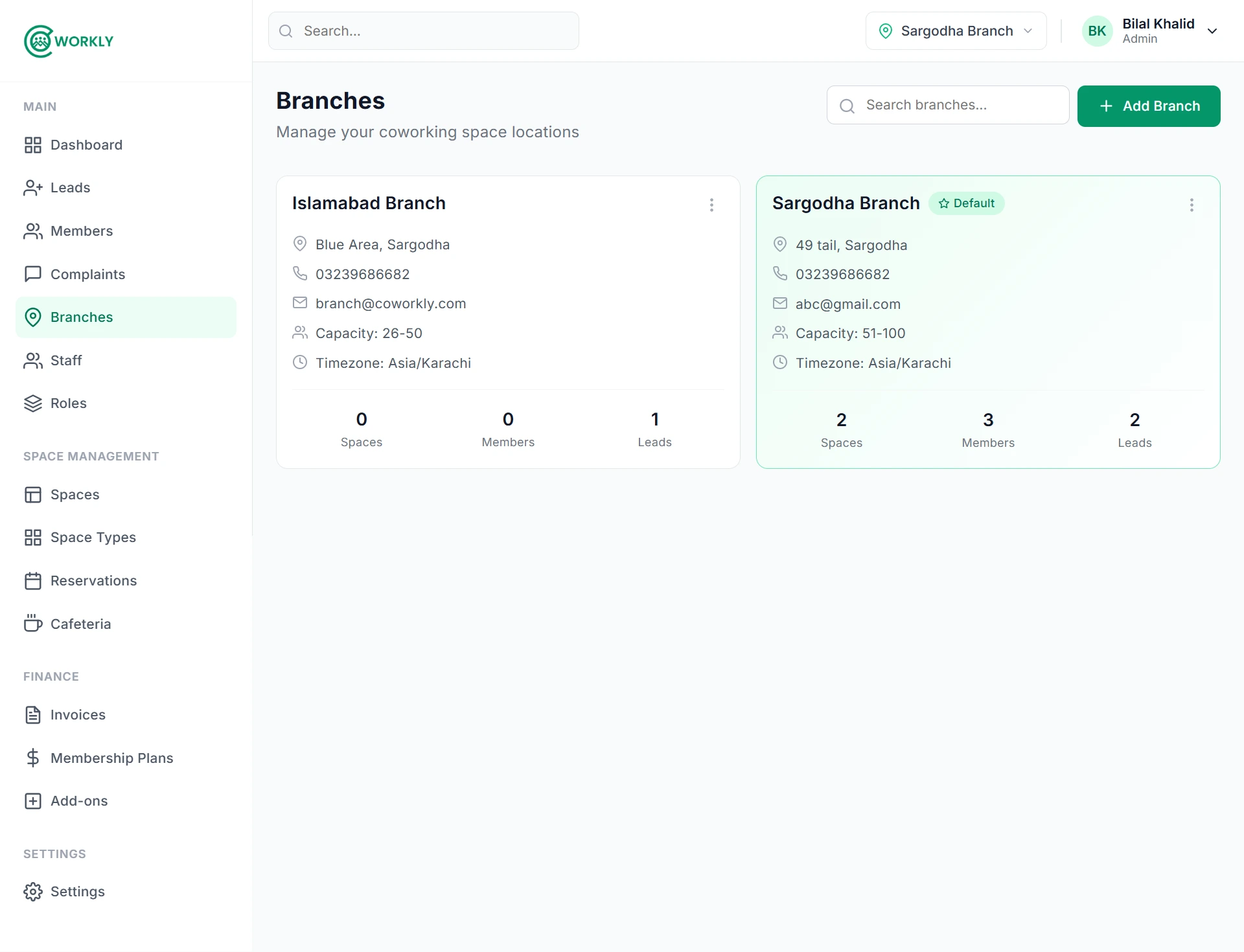
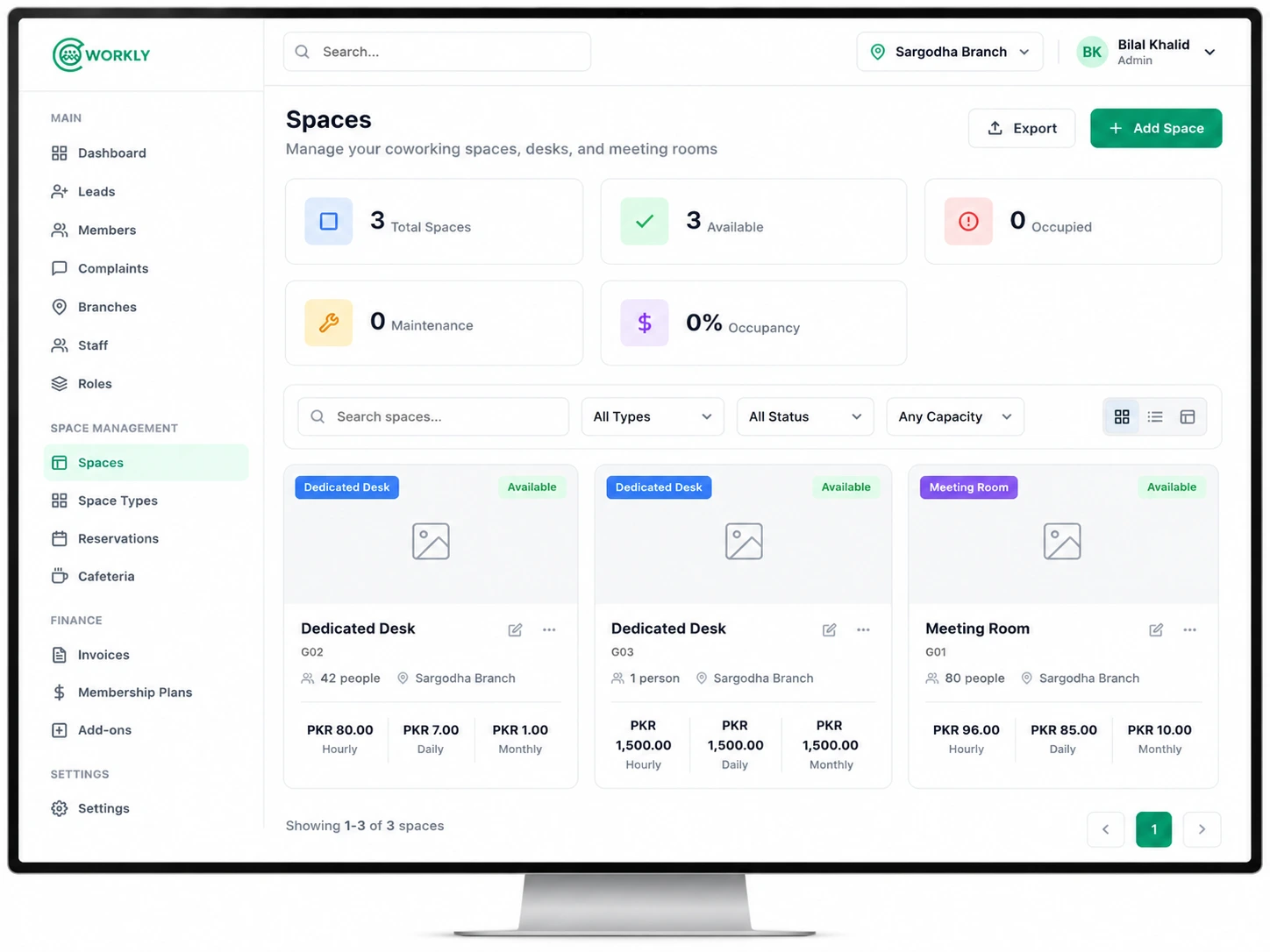
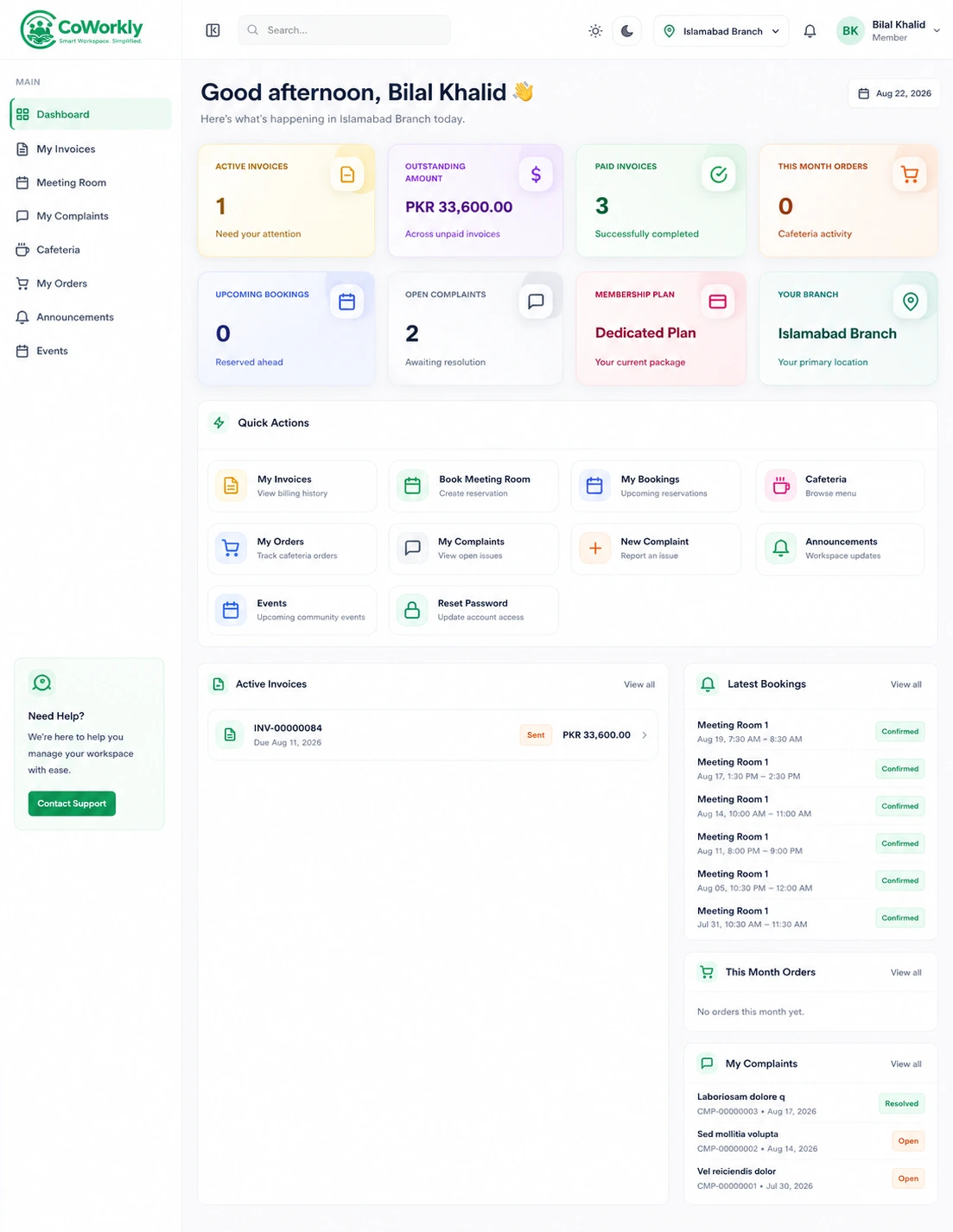
We understand your challenges and provide the tools to help you grow.
Book a DemoChoose the plan that fits your space.
No credit card needed.
Perfect for small spaces just getting started
For growing coworking businesses
For established multi-location spaces
For large-scale operations
Real feedback from coworking teams using CoWorkly every day.
We moved from spreadsheets to CoWorkly and cut admin time in half. Access and billing finally feel under control.
Simple to use, powerful enough for two locations. Member onboarding and invoices just work.
We've been using CoWorkly to manage our coworking space, WorkBloc, and it has made our day-to-day operations much more efficient. The platform covers everything we need — member management, invoicing, reservations, and overall workspace operations — all in one place.
What truly stands out is the exceptional after-sales support. The customer success team is always responsive, knowledgeable, and quick to resolve any questions or issues. If you're looking for a complete coworking management solution with powerful features and outstanding customer support, I highly recommend CoWorkly.