
Meeting rooms
Meeting room bookings your members make in seconds.
Members pick a room, choose a time and get a confirmation email. You see every booking on a calendar, with the room, the member and the duration. No phone calls, no back-and-forth, no double-bookings.
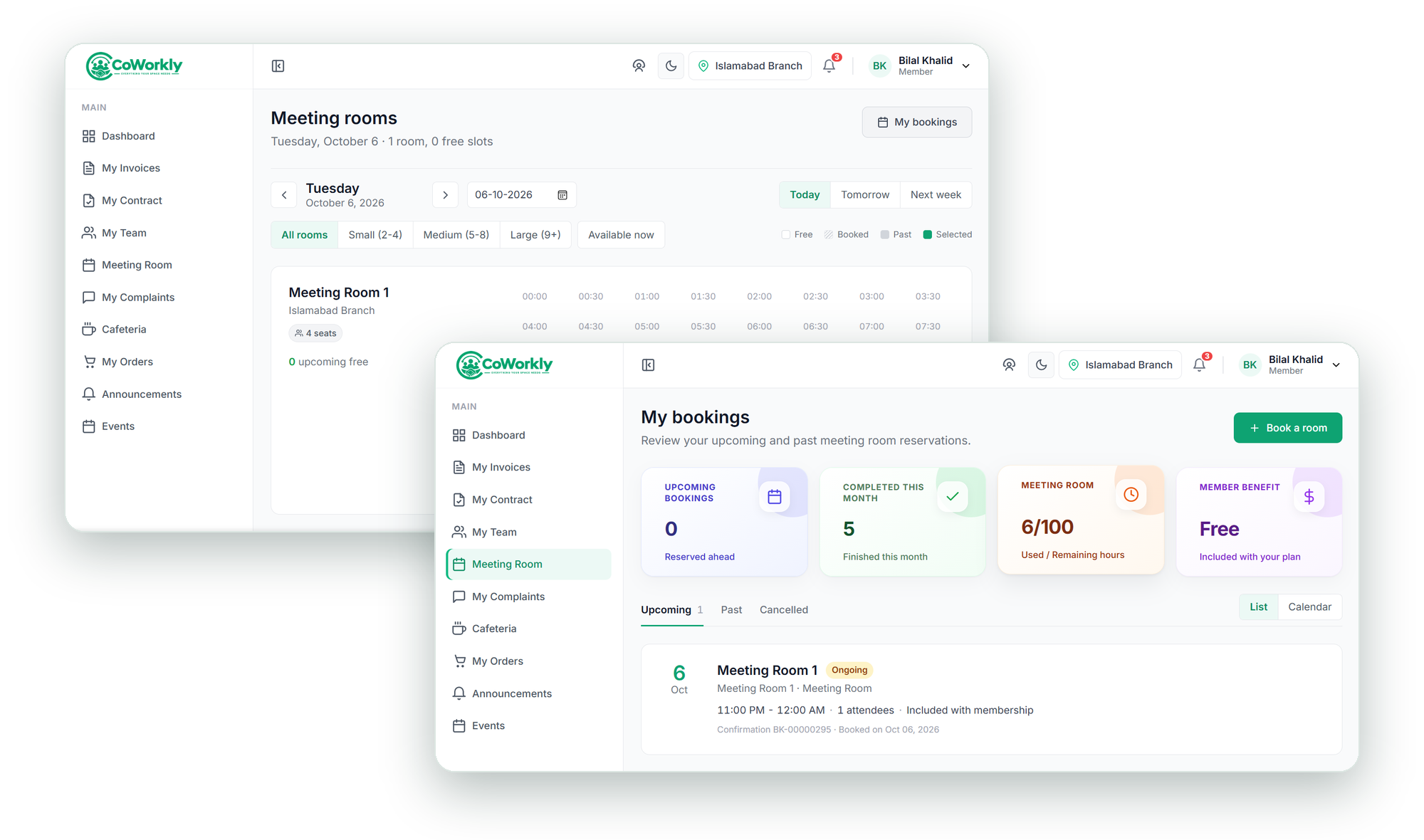
See meeting room booking in action.
A walkthrough of how members book a meeting room, receive a confirmation, and how your team manages the booking calendar in CoWorkly.

How meeting room bookings work.
-
Member opens the portal
The member sees all available meeting rooms with their capacity, amenities and real-time availability. They pick a room and a time slot.
-
Booking is confirmed
CoWorkly checks availability, creates the booking and sends a confirmation email to the member instantly. The slot is blocked so no one else can book it.
-
Credits or charges applied
If the member's plan includes meeting room credits, those are used first. Any additional time is charged at the room's hourly rate and added to their next invoice.
-
Your team sees it all
Every booking appears on the staff calendar the moment it is made. You can also create bookings on behalf of members directly from the dashboard.
Everything you need to run your meeting rooms.
- Unlimited meeting rooms — set capacity, amenities, images and hourly rate per room.
- Availability windows per room — block out times for maintenance or private use.
- Plan-based credits — members use their included hours, then pay for extras.
- Instant confirmation emails to members with booking details.
- Cancellation support — members cancel from the portal; your calendar updates in real time.
- Staff can book on behalf of members or walk-in guests directly from the dashboard.
Questions about meeting room booking.
Can members book rooms from their phone?
Yes. The member portal is fully responsive and works on any device. Members can book a meeting room in seconds from their phone.
Can I charge different rates for different rooms?
Yes. Each room has its own hourly rate. You can also set different rates for peak and off-peak times.
What happens when a member runs out of plan credits?
Additional time is charged at the room's standard hourly rate and added automatically to the member's next invoice. They can see their remaining credits in the member portal.
Can I see all bookings in one calendar?
Yes. The bookings calendar in CoWorkly shows all meeting room reservations by day, week or month — filterable by room.
Fill your meeting rooms. Automatically.
See how self-service room booking works in a live CoWorkly demo.