
Payment reminders
Automated payment reminders that do the chasing for you.
Set a schedule for overdue reminders and CoWorkly emails your members automatically. You spend your time on things that matter — not on tracking down payments that are two weeks late.
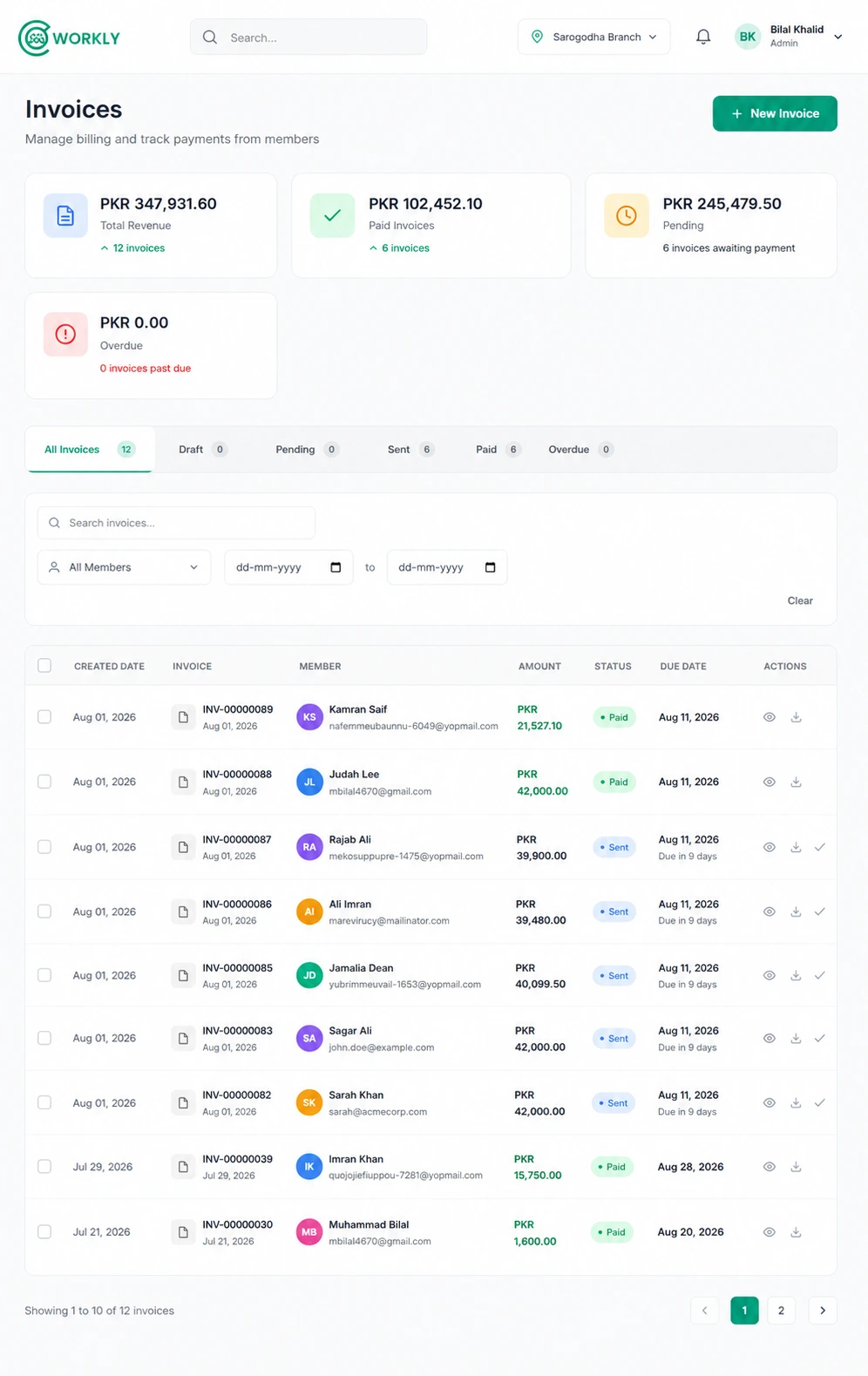
See payment reminders in action.
A short walkthrough of configuring overdue reminder schedules and seeing them fire automatically in CoWorkly.

Set it once. Let it run.
Configure your reminder schedule in settings. CoWorkly handles the emails from that point on.
- Set reminders at any interval — 3 days overdue, 7 days, 14 days, 30 days.
- Reminder emails include the invoice total and a direct payment link.
- Members receive a reminder even if they have not opened the original invoice email.
- Your branding on every reminder — not a generic system email.
- Reminders stop automatically the moment the invoice is paid.
- See which reminders have been sent for each overdue invoice in the billing dashboard.
Questions about payment reminders.
How many reminders can I set?
You can configure multiple reminders at different intervals. For example: 3 days overdue, 7 days, and 14 days. CoWorkly sends them in sequence as long as the invoice remains unpaid.
Can I customise the reminder email?
Yes. The reminder email uses your branding and can be configured in your notification settings. Each email includes the outstanding amount and a direct payment link.
Will reminders stop if the member pays?
Yes. As soon as a payment is recorded against the invoice — online or manually — CoWorkly cancels any pending reminders for that invoice.
Can I send a manual reminder?
Yes. In addition to the automatic schedule, you can send a manual reminder to any member from the invoice screen at any time.
Let CoWorkly chase overdue invoices for you.
See automated payment reminders in a live demo of CoWorkly.