
Payments
Collect payments online — right from your member portal.
Connect Stripe and your members pay by card from the portal or from a link in their invoice email. The payment is recorded in CoWorkly the moment it lands. No chasing, no manual reconciliation, no spreadsheets.
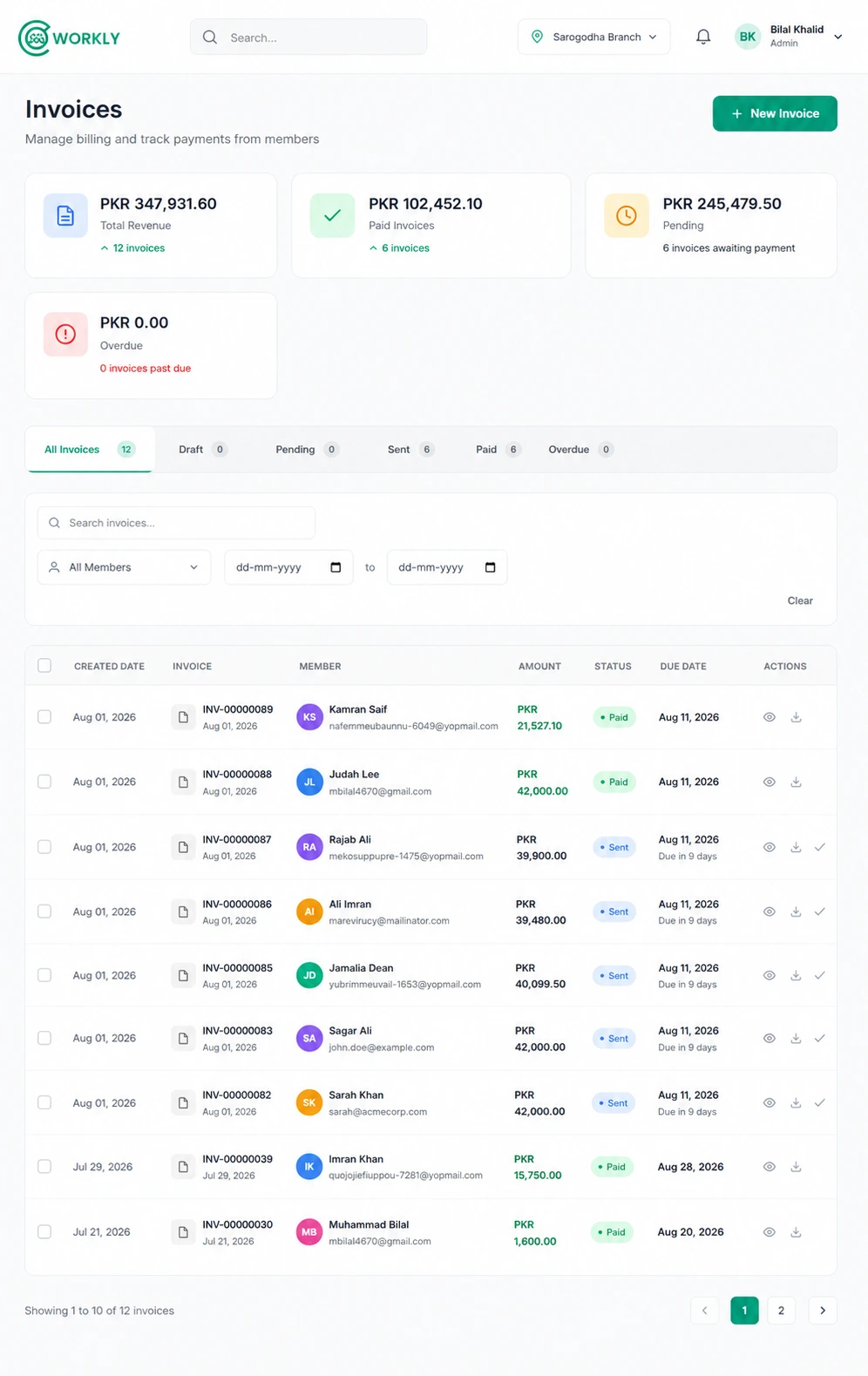
See online payments in action.
A walkthrough of how members pay invoices online via Stripe and how CoWorkly updates payment status automatically.

Every way members can pay — all in one place.
Online card payments plus manual recording for cash and bank transfer.
- Stripe integration — members pay by credit or debit card from the invoice email or member portal.
- Payment links embedded in every invoice email so paying takes one click.
- Manual payment recording for cash, bank transfer or cheque.
- Partial payments recorded against an invoice so you always see the outstanding balance.
- Payment status updated in real time — no manual reconciliation needed.
- Full payment history per member and per company, downloadable at any time.
Questions about payments.
Does CoWorkly use Stripe?
Yes. CoWorkly connects to your own Stripe account. Payments go directly to you — CoWorkly does not hold or process the funds.
Can members pay from their phones?
Yes. The member portal is fully responsive and the Stripe payment form works on any device.
Can I record a cash or bank transfer payment?
Yes. You can manually record any payment against an invoice — cash, bank transfer, cheque or any other method — with a date and reference.
What happens when a payment fails?
If a Stripe payment fails, the invoice remains unpaid and CoWorkly can send an overdue reminder. You can also see failed payment attempts in the billing dashboard.
Get paid faster. Reconcile never.
See how CoWorkly's Stripe integration works in a live demo.