
Parking & lockers
Parking and lockers as a paid add-on to any membership.
Assign numbered parking spots and lockers to members or bookings and CoWorkly adds the charge to their invoice automatically. No side deals, no manual tracking, no forgotten renewals.
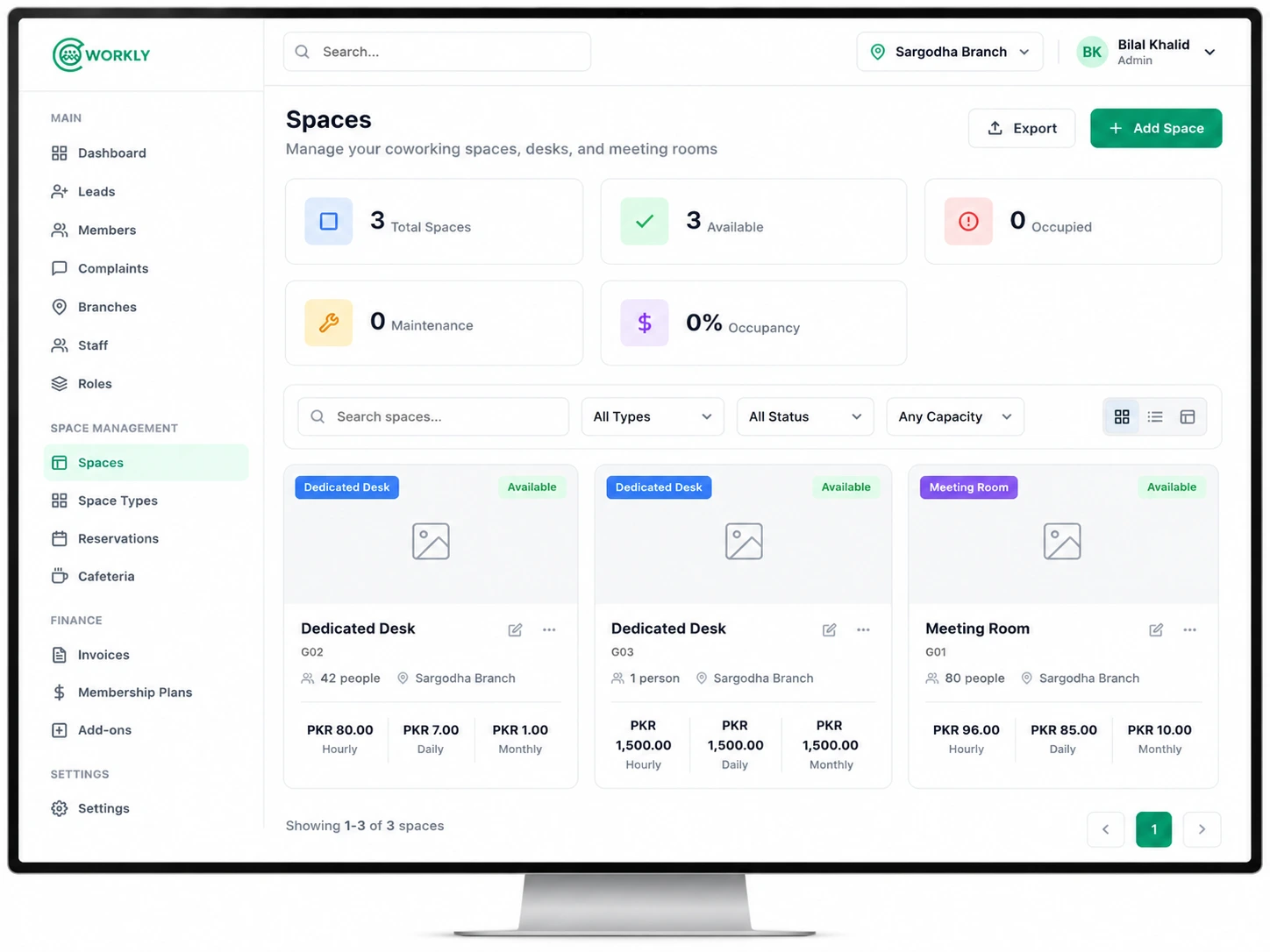
See parking and locker management in action.
A walkthrough of assigning a parking spot to a member and watching the charge appear automatically on their next invoice.

Every add-on tracked and billed automatically.
- Create named or numbered parking spots and lockers in settings.
- Assign a spot or locker to a member with a monthly price.
- The charge appears as a line item on the member's next invoice automatically.
- Availability view shows which spots and lockers are taken and which are free.
- Unassign at any time — the charge stops on the next billing cycle.
- Works alongside any membership plan — add-ons are independent of the base plan price.
Questions about parking and lockers.
Can I charge different prices for different spots?
Yes. Each parking spot or locker has its own monthly price, so you can charge more for covered spots, ground-floor lockers or any other distinction.
Will the charge appear on the member's invoice automatically?
Yes. As soon as you assign a spot or locker with a price, it is added as a line item on the member's next invoice. You do not need to do anything else.
Can I assign multiple spots to one member?
Yes. A member or company can have multiple parking spots and lockers assigned to them, each appearing as a separate line item on the invoice.
Turn every add-on into automatic recurring revenue.
See parking and locker management in a live CoWorkly demo.