
Hot desks
Hot desk management that keeps your space full.
Members book a hot desk for a day, a week or longer from the member portal. You see availability in real time, prevent overbooking and charge for usage automatically — all without managing a shared spreadsheet.
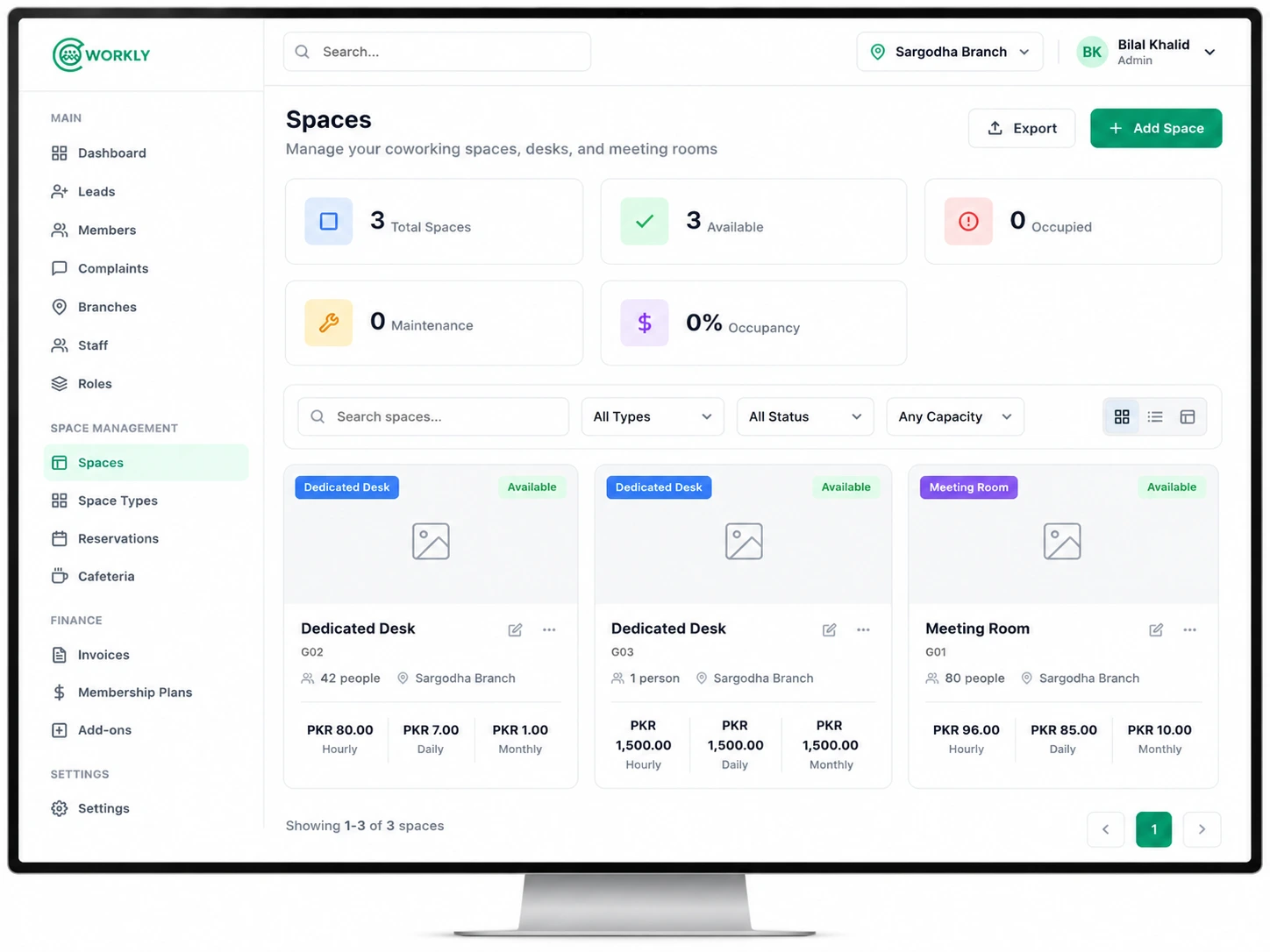
See hot desk booking in action.
A walkthrough of how members book a hot desk and how CoWorkly tracks availability and usage in real time.

Everything you need to run an open workspace.
- Set the total number of hot desks available — CoWorkly prevents overbooking automatically.
- Members book from the portal by choosing a date range — day, week or custom.
- Day-pass plans billed per booking, or unlimited hot desk plans billed monthly.
- Live availability view so staff can see how full the space is at any time.
- Booking confirmation emails sent to members instantly.
- Usage reports show which days fill fastest and where your capacity is.
Questions about hot desk booking.
Can I sell day passes through CoWorkly?
Yes. Create a day-pass plan with a per-day price. Members buy a pass and make a booking. The charge is added to their invoice or taken as a one-time payment.
Can members with a monthly plan book a desk without paying per day?
Yes. Assign an unlimited hot desk plan to a member and their daily bookings are included in the monthly invoice, with no per-booking charge.
Will CoWorkly stop bookings if all desks are taken?
Yes. Once the maximum number of desks is reached for a given day, the date shows as unavailable in the member portal and no further bookings can be made.
Run a full hot desk operation from one platform.
See how hot desk booking works in a live CoWorkly demo.