
Member management
All your coworking members in one place.
Profiles, contracts, access cards and communication history — every member detail your team needs, without opening another system. Onboard a new member in minutes. Renew or offboard them just as fast.
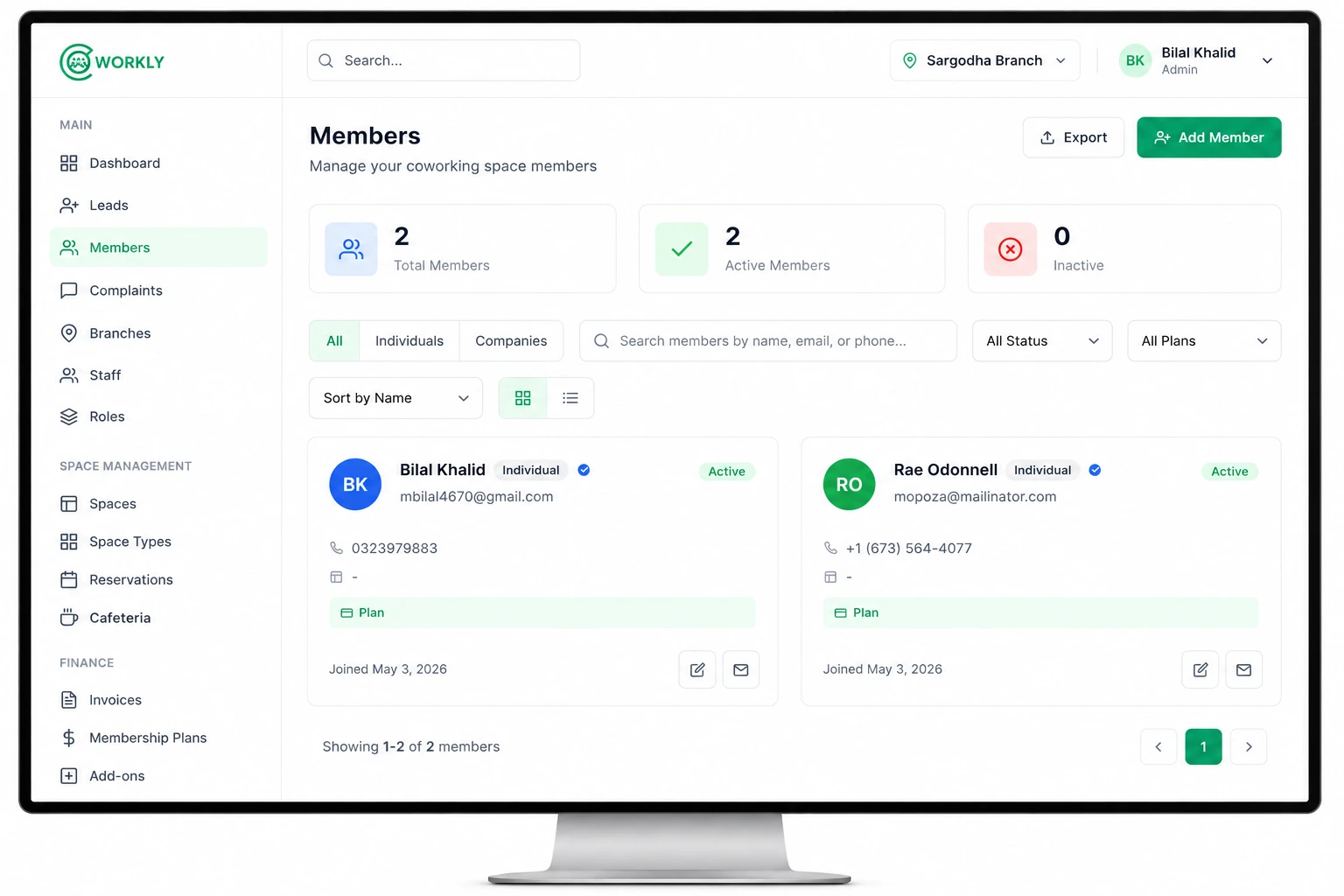
See member management in action.
A short walkthrough of onboarding a member, assigning a plan and managing their profile from the CoWorkly dashboard.

From first visit to long-term member.
CoWorkly handles the full member lifecycle so nothing falls through the cracks.
-
Create the profile
Add the member's name, email, phone and company. Link them to an existing company account or create a new one. Upload a photo and assign an access card or PIN.
-
Assign a plan
Pick a membership plan — hot desk, dedicated desk, private office or custom. CoWorkly sets the billing cycle and generates the first invoice automatically.
-
Track activity
Every booking, invoice, payment, support ticket and note appears on the member's timeline. Your whole team has full context without asking each other what happened.
-
Renew or offboard
Renew the membership in one click, or mark the member as inactive. Their data stays on record so you can reactivate them later or reference their history.
Everything you need to know about every member.
One screen. No tabs in another system.
- Individual and company member profiles, with a link between them so you always know who belongs where.
- Access card and PIN management — assign, replace or revoke without leaving the member record.
- Document storage for contracts, IDs and signed agreements.
- Custom fields to capture the information that matters for your space.
- Member portal access — grant or revoke the ability to book rooms and view invoices online.
- Notes and activity timeline so every team member has full context on every member.
Built for coworking spaces of every size.
-
Individual & company members
Manage solo freelancers and companies with multiple seats under one account. Each company member gets their own profile and the company gets a shared invoice.
-
Member statuses
Active, inactive, trial and waitlist — filter your member list by status so you always know the state of your space at a glance.
-
Multi-branch support
Members belong to a branch. If you run more than one location, you see each branch's members separately and manage them independently.
-
Role-based access
Staff who need to see members can see them. Those who shouldn't won't. Permissions are set by role, not by individual.
Questions about member management.
Can I manage both individual members and companies?
Yes. CoWorkly supports individual members and company accounts. A company can have multiple member seats, each with their own profile. Invoicing can go to the company rather than individual members.
Can members log in and manage themselves?
Yes. The CoWorkly member portal lets members book rooms, view and pay invoices, raise support tickets and update their own profile — all without calling your front desk.
How do access cards work?
You assign an access card number or PIN to each member's profile. If they lose a card, you revoke it and assign a new one from the same screen. CoWorkly records the change on the member's timeline.
Can I store contracts and documents?
Yes. Upload signed contracts, IDs and any other documents to the member's profile. They stay linked to that member permanently.
Is member management included in CoWorkly?
Member management is a core part of the CoWorkly platform. See the pricing page for plan details.
Spend less time on admin. More time with members.
See how CoWorkly manages your membership database in a live demo.