
Multi-branch
One account. Every location.
Run multiple coworking locations under a single CoWorkly account. Members, billing and reports stay separate per branch while you see everything from the top — one login, one platform, unlimited locations.
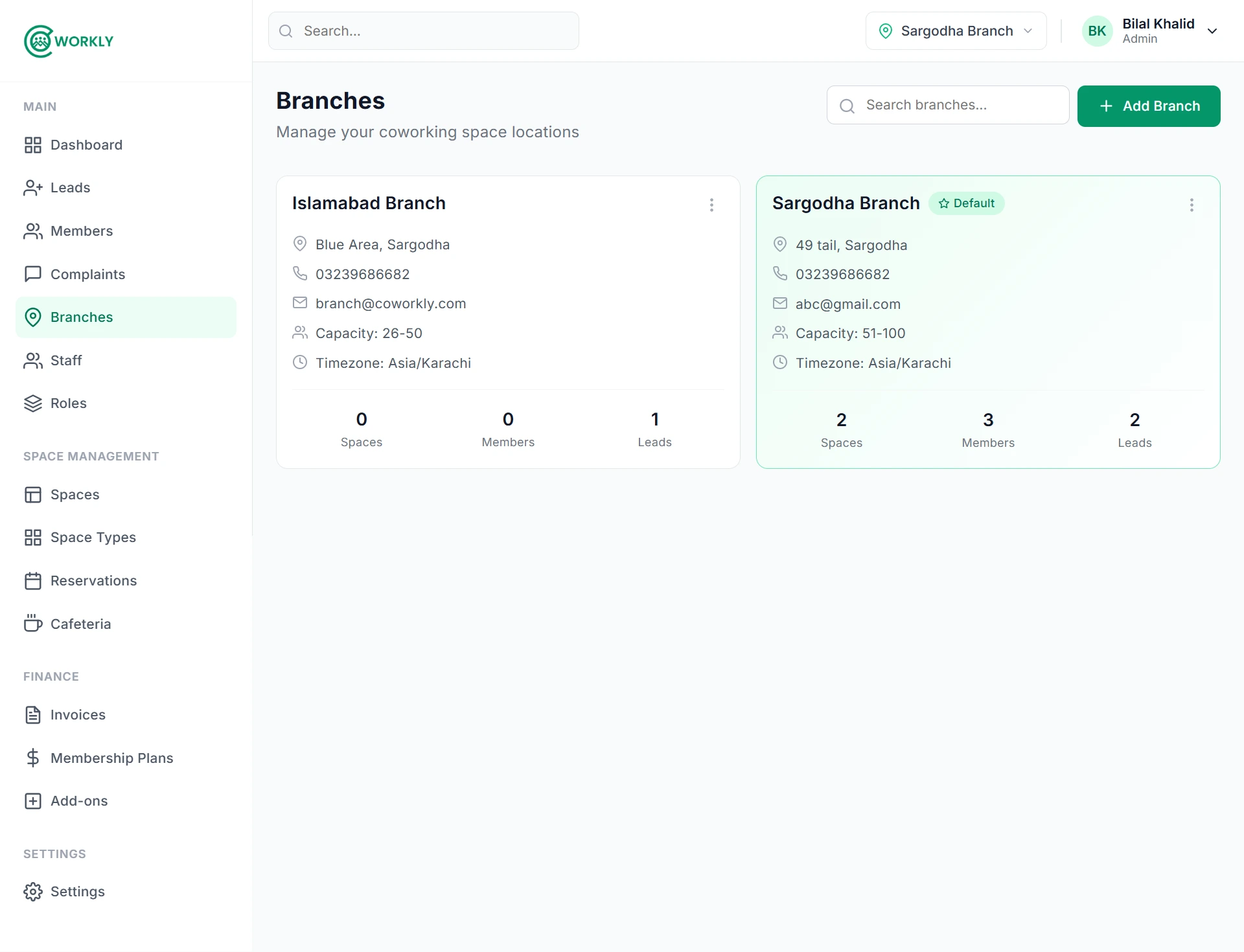
See multi-branch management in action.
A walkthrough of setting up multiple branches, managing staff access per location and viewing consolidated reports in CoWorkly.

Run every location as if it were your only one.
Isolation where it matters. Visibility where it helps.
- Unlimited branches under a single account — add a location in settings in minutes.
- Members, billing, spaces and staff are scoped to their branch by default.
- Consolidated revenue and occupancy reports across all branches for owners and admins.
- Staff can be assigned to one branch or given cross-branch visibility depending on their role.
- Each branch has its own settings, plans and branding configuration.
- Switch between branches from the navbar in one click — no separate logins needed.
Questions about multi-branch management.
Can I manage multiple locations from one login?
Yes. All branches are under one CoWorkly account. You switch between branches from the top navigation bar without logging out or opening a separate tab.
Is there a limit to how many branches I can have?
No. CoWorkly supports unlimited branches. Whether you have two locations or twenty, the platform handles them all.
Can staff be limited to one branch?
Yes. Assign staff to a specific branch and they only see members, bookings and data for that location. Cross-branch access is granted per role.
Can I see combined revenue across all branches?
Yes. The admin view gives you a consolidated financial summary across all branches, as well as a per-branch breakdown.
Scale to as many locations as you want.
See how multi-branch management works in a live CoWorkly demo.